


.svg)
.svg)
.svg)

.svg)


.svg)

Key takeaways:
- Some lender websites show static rates or no rates at all, but borrowers expect live rates like the ones they see on Bankrate, NerdWallet, and Mortgage News Daily.
- Lenders who show live, personalized rates convert significantly more visitors into leads.
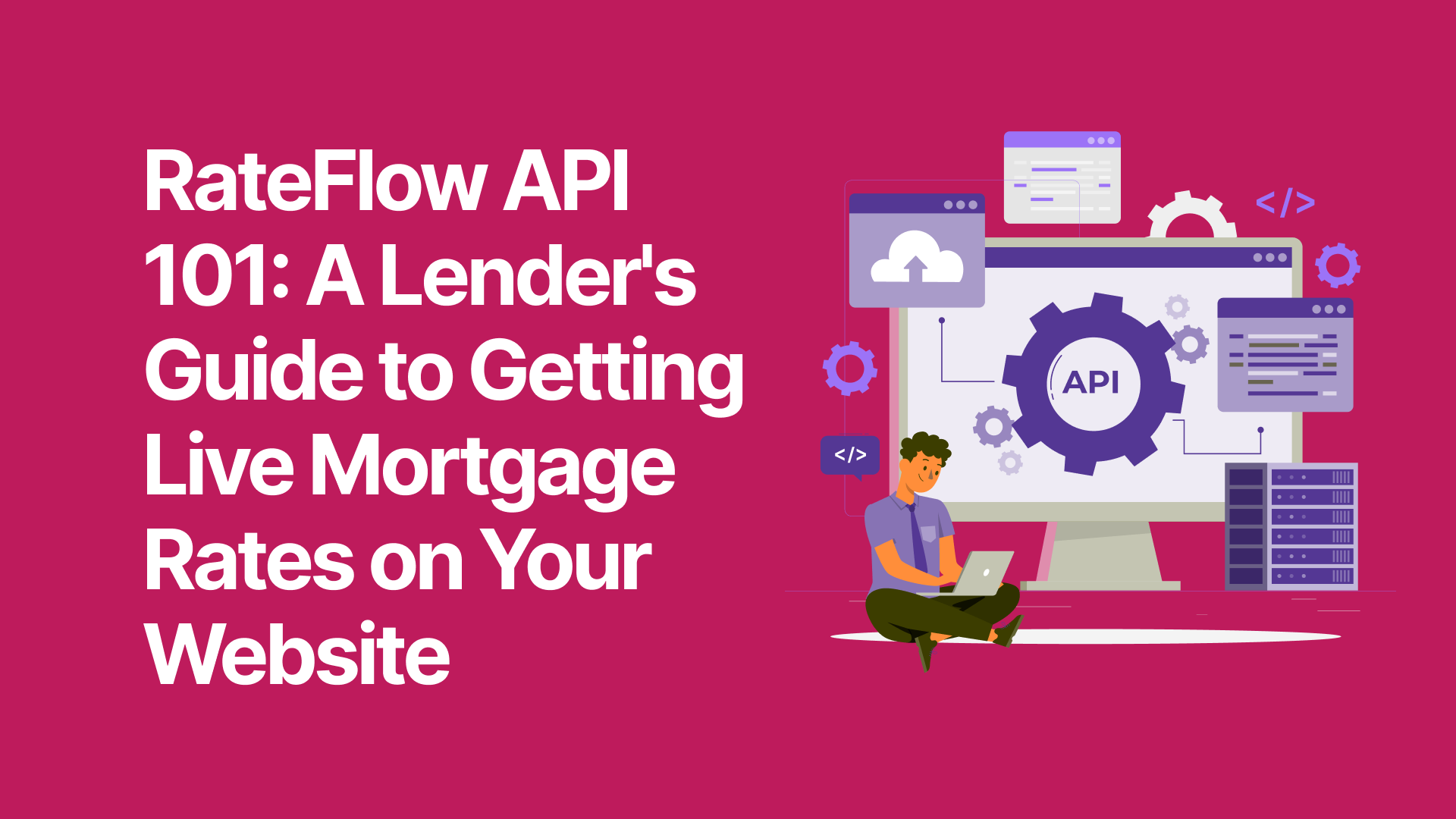
- The RateFlow application programming interface (API) makes it easy to get live rates on your site via your pricing engine.
- This API feeds live rates from your product pricing engine (e.g., Optimal Blue, Lender Price) directly to rate tools you embed on your website, like rate tables and calculators.
What is the RateFlow API?
We’ve done a deeper dive into application programming interfaces (APIs) before. For now, we’ll summarize them quickly by saving this: An API helps two pieces of software communicate with each other.
In this specific case, the RateFlow API allows your pricing engine to communicate live rates with whatever display tools you use. That could be something a developer builds for you, or a widget like a live rate table, personalized rate dashboard, or calculator.
We’ve built RateFlow to pull information from leading pricing engines, including:
- Optimal Blue
- Mortech
- Polly
- Lender Price
- Loansifter
That gives you the way to power customer-facing rate tools with your actual rates, not just national averages.
The rate information RateFlow can pull and display
RateFlow works in two directions: it feeds info to your pricing engine, then feeds the results back to the lead or customer.
Depending on the customer-facing rate tool you deploy, the user can input information like:
- Purchase price
- Desired loan amount
- Loan type and purpose (purchase vs. refinance)
- Credit score
- Property type and location (state, ZIP code)
- Lock period
- Occupancy type
RateFlow can automatically relay that information to your pricing engine, then return personalized results for that user. We’ve developed the RateFlow API to be able to show:
- Rate and APR for each product
- Loan type breakdown (e.g., conventional, FHA, VA, USDA, jumbo, ARM)
- Lock period options
- Points and fees
- Monthly payment estimates
The way that information displays to the consumer depends on the tool you use.
Your option for displaying live rates with RateFlow
You have three potential ways to use the RateFlow API to showcase rate information on your website:
#1: Embed (easiest)
We have a variety of widgets ready-made to leverage the RateFlow API. Those include:
- Rate tables that show leads their options across a variety of loan types
- Customer rate dashboards that help them see their personalized rate options in one place
- Calculators so they can crunch the numbers based on the rates most likely to apply to their unique lending scenario
We developed our BankingBridge rate display tools to give you a seamless way to showcase current rate info powered by your pricing engine. Each tool includes options to personalize the display to match your lending institution’s branding.
When you go this route, we can typically have the widget up and running in about a day’s time.
#2: Developer-built integration (most customizable)
If you’re already working with a website developer, you should be able to share the RateFlow API with them to power rate display options. The developer can potentially build a custom user interface so you can apply the rate info in the way that’s best for your leads.
For this to work, you’ll need to provide your developer with your loan officer ID, along with the RateFlow API credentials and endpoint documentation. We can help you get what you need for your developer.
Custom integrations usually take one or two weeks to deploy.
#3: Hybrid (most flexible)
If you want to get rates live ASAP, you can always explore using a BankingBridge widget, then customizing the experience over time. Your developer can use our embed as the foundation, then make the tweaks you request.
Turning rate display into lead capture
There’s a lot of evidence that showcasing rates boosts engagement with your website. In June 2026, for example, we ran an experiment comparing time-on-page with and without rates. When the page showcased rates, the median time people spent on the page went up 1,250%.
More engagement doesn’t mean much if you can’t continue contact once that person leaves your site, though. That’s why it helps to integrate your rate display tools with lead capture functionality.
You might set up a lead workflow so that people hand over contact info in exchange for a personalized rate. Or you can include an option to subscribe to rate alerts as part of your rate table (our widget includes this).
Then, connect the lead capture to your CRM. The RateFlow API makes this easy. That way, leads are teed up where your loan officers expect to see them (e.g., Salesforce, HubSpot).
Early steps to lead to more closed loans
All of this helps your team move at the speed the modern consumer expects. With RateFlow connecting to your pricing engine, you can give leads near-instant access to live rates. Better still, you allow them to customize those rates to their unique loan scenario. This way, they get the level of personalization that the modern borrower values.
By using RateFlow to feed the leads into your CRM and straight to your LO’s desk, you keep the momentum going. Your LOs have the info they need, including details about the kind of loan the borrower is seeking. Empowered by the information the lead has already shared, they can have meaningful conversations to move that person toward the closing table.
This isn’t some pie-in-the-sky fantasy. In fact, live rates aren’t a differentiator anymore. They’re a baseline expectation. Don’t wait to get them up and running on your website. And certainly don’t miss your opportunity to turn them into lead generation tools.
If you want to learn more about the RateFlow API or the widgets we’ve built to pair with it, get in touch with our team. By booking a demo, you can see first-hand how these tools can go to work for your lending institution.

%20Tell%20the%20Two%20Apart.png)