

Learn now
Your Intro to BankingBridge
Your top BankingBridge questions, answered—plus how to get the most out of your subscription
Welcome to BankingBridge
Learn who we are and what to expect during the onboarding process.
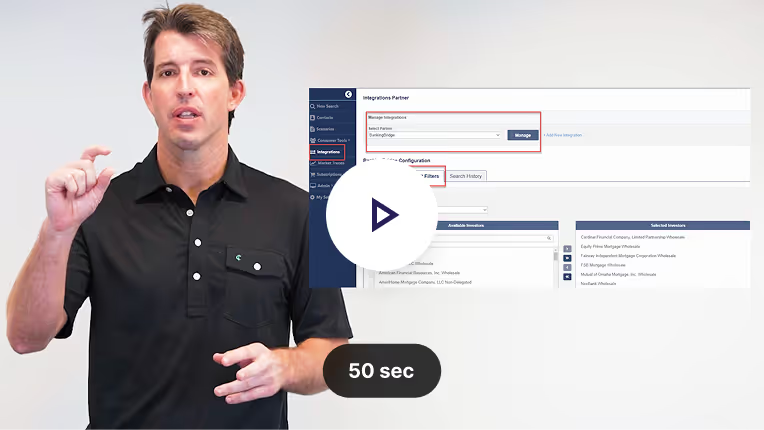
Connect your Loansifter account
Learn how to select your specific investors, manage your margin, and run testing.
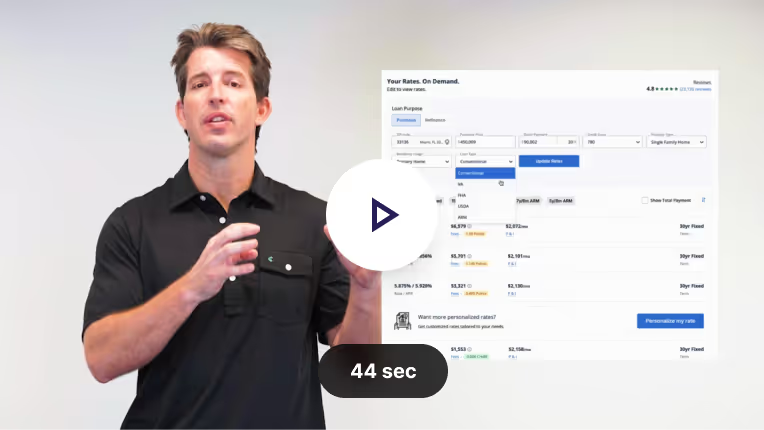
Testing Rates in Loansifter
Ensure pricing displayed to borrowers accurately matches your live pricing engine settings.
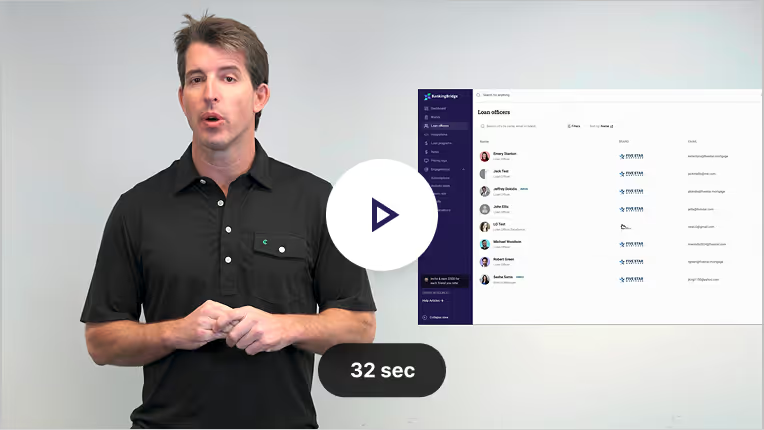
Create & edit loan officer accounts
Easily manage your profile & create new profiles for team members.
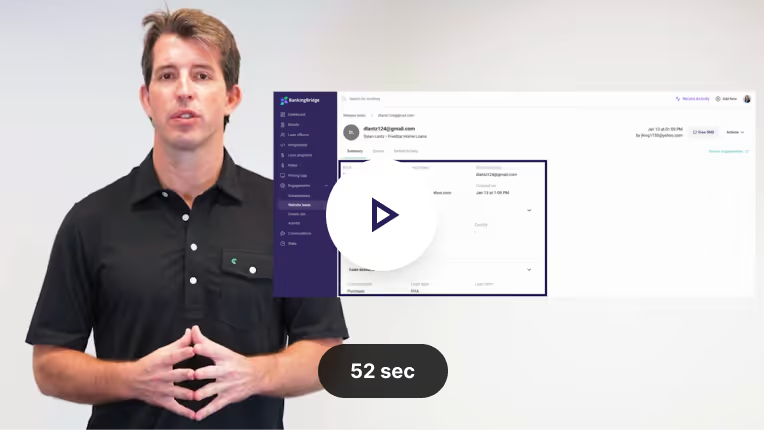
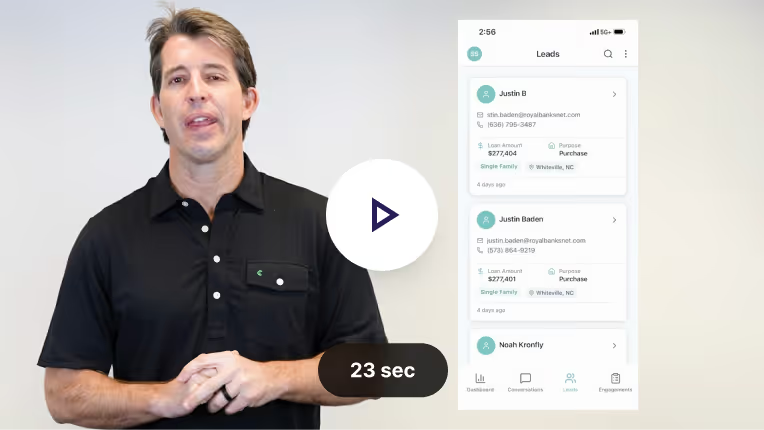
Where to find your leads
Review all details for leads submitted through BankingBridge. Prioritize follow-up & track engagement.
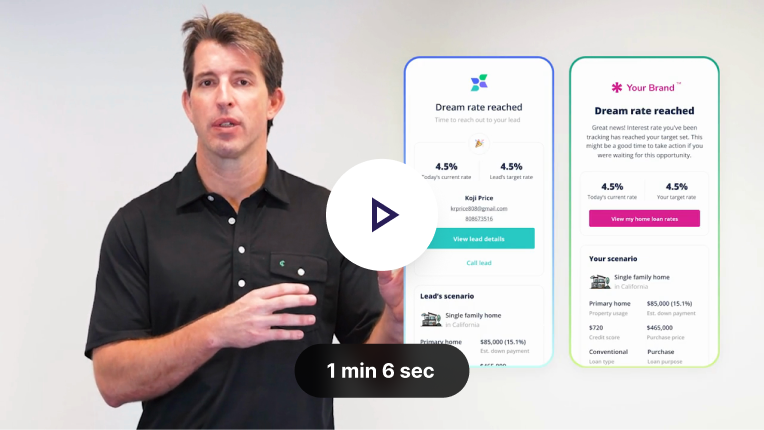
How to create a Dream Rate for refi tracking
Never miss a refi opportunity. Set your clients target rate & let BankingBridge automate the outreach.
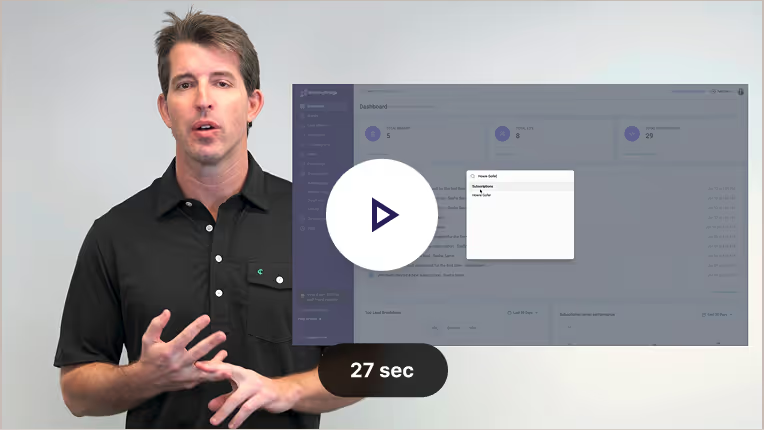
Search for Anything
Quickly find leads, subscriptions, loan officers, or integrations using the “Search for Anything” bar.
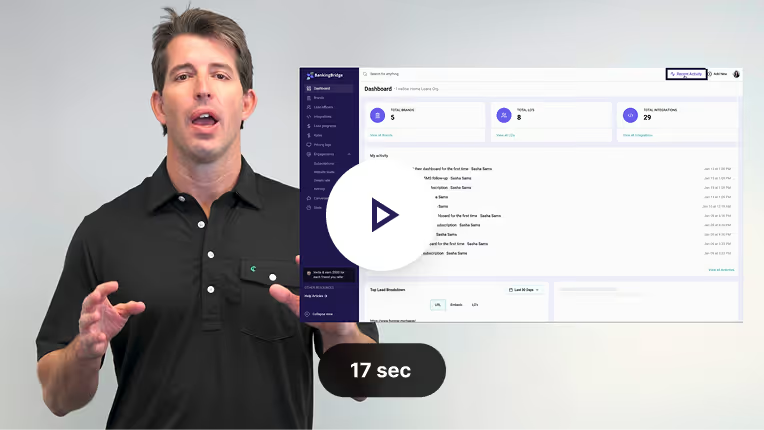
Recent Activity
See all activity in Recent Activity, including SMS conversations, rate dashboard visits, and your most active subscribers.
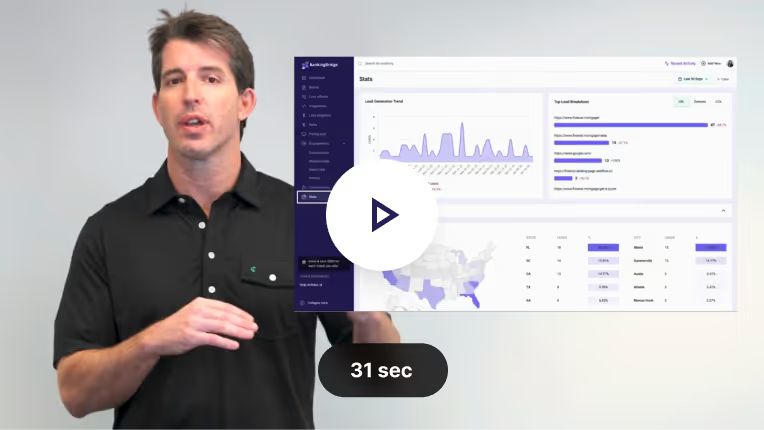
Stats Page
The Stats page gives you a real-time view of lead activity, engagement trends, and subscription performance.
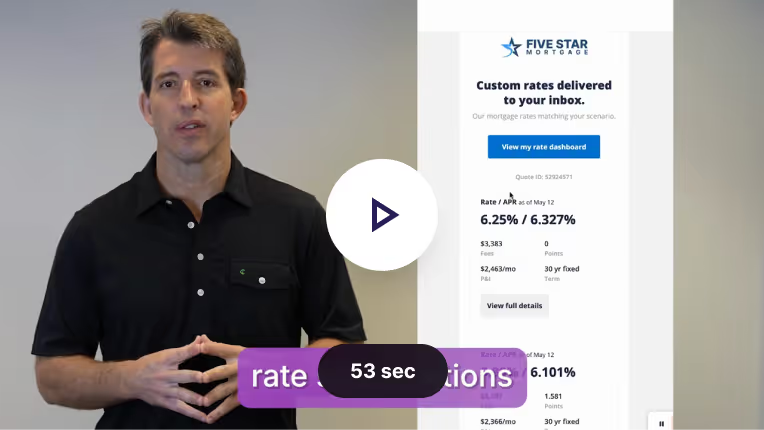
Rate Subscriptions
Automatically send personalized mortgage rate updates to borrowers based on their loan scenario, keeping them engaged with live rates over time.

AI Lead Scoreboard
AI-powered real-time engagement tracking identifies borrowers most likely to convert. By monitoring rate dashboards, emails, and SMS activity, lenders can prioritize their highest-intent leads.
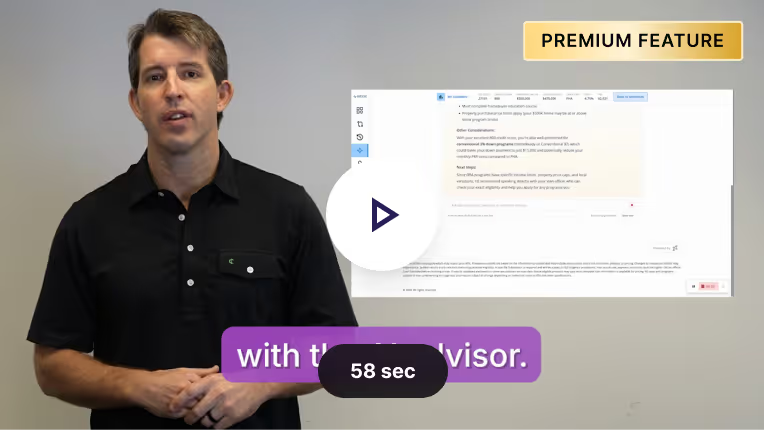
AI Advisor
Provides real-time guidance, education, and rate scenarios based on the borrower’s profile. Helps users understand loan options and visualize payments with charts and graphs.
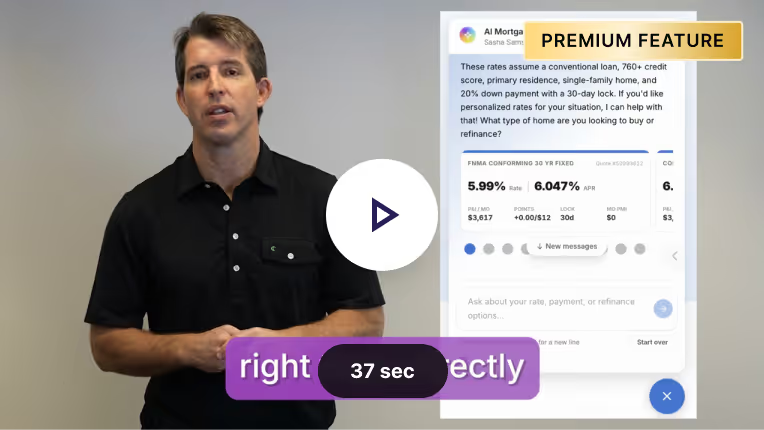
AI Website Chat
Engages visitors in real-time with instant answers. Connects directly to your pricing engine to deliver live rate quotes in chat and convert traffic into qualified leads.
Download the BankingBridge App
Your mortgage lead command center - now in your pocket! Get activity on new leads, subscriptions, and SMS conversations.
Frequently Asked Questions


200+ mortgage companies are increasing their revenue using BankingBridge products


.svg)
